Hi all! The Hack Club Slack is currently migrating to Slack Enterprise. The Slack will be down for an estimated 42 hours - in the meantime we have at temp chat you can join below. |
| |
It's a physical server migration, hence the downtime. You can see the migration progress bar here. You won't be able to log into hackclub.slack.com until the migration is complete. |
| |
| This will add a lot of great features including easier login, more channel-specific mod powers for personal channels, and Discord-style roles. |
| |
| Here is how to get back online once the migration is complete: |
| |
| |
| |
| |
| |
While the Slack is down, we thought it'd be fun to set up an IRC server! (it's what programmers used before Slack and Discord existed) |
| |
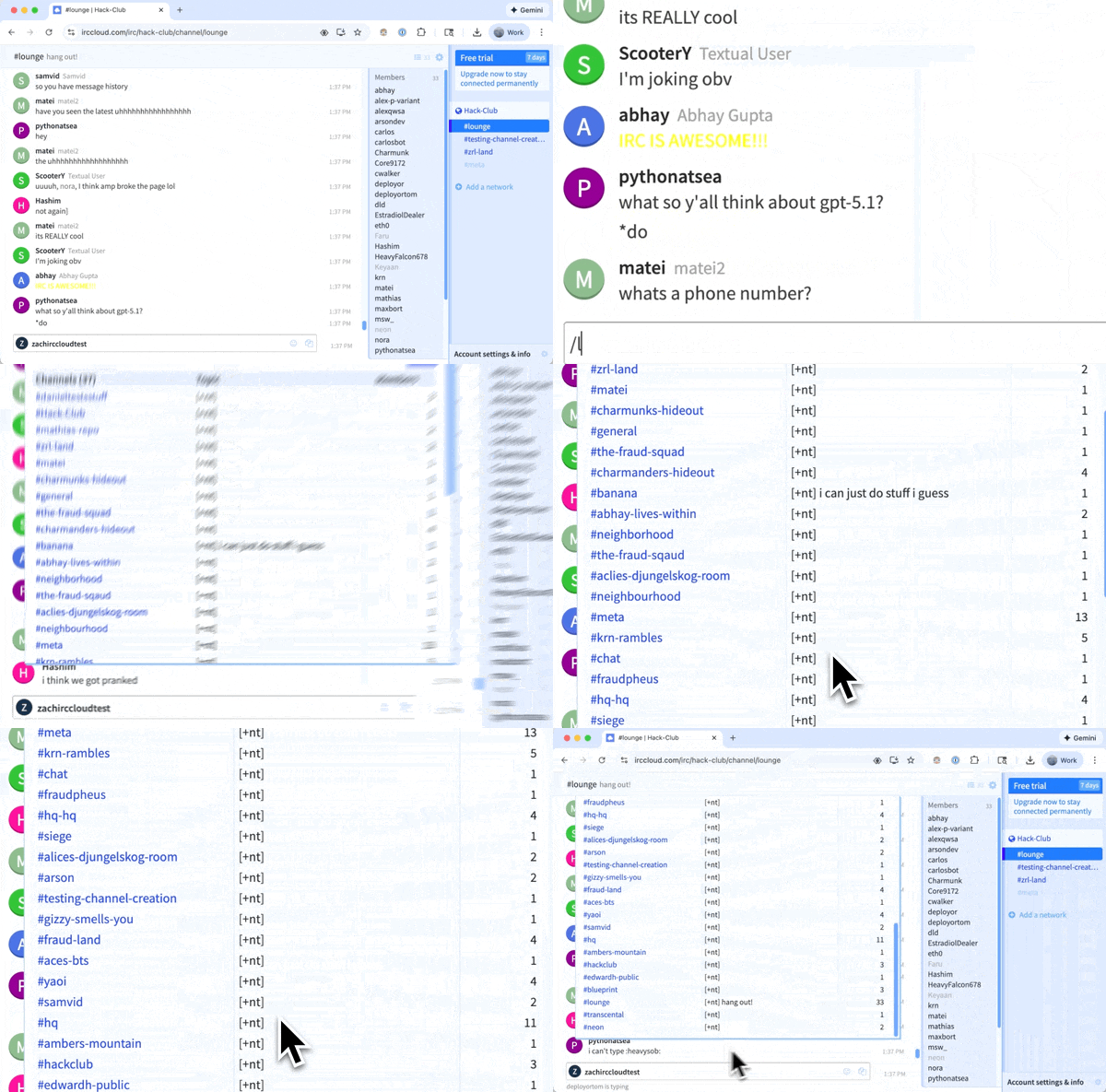
Option 1: Join irc.hackclub.com with IRCCloud (web app) |
| |
| IRCCloud is a web app that lets you connect to IRC servers. It's easy to use and has both web and mobile apps. This is the recommended path. |
| |
| |
| |
| Once you're in, run /list to see all the channels you can join. You can also create your own by running /join #whatever-new-channel-you-want. |
| |
| |
| |
Option 2: Join with a CLI or desktop client |
| |
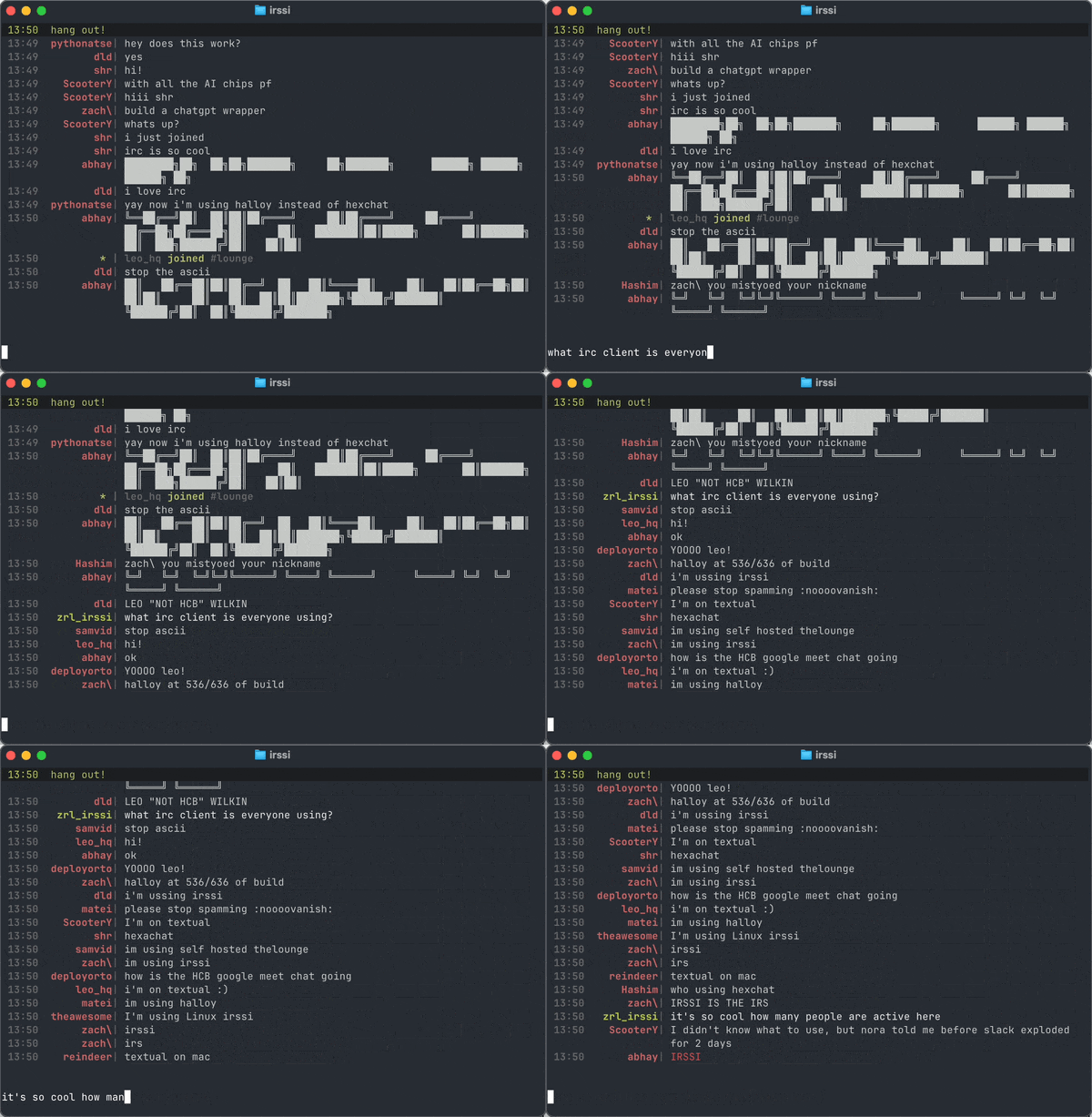
There are a ton of amazing CLI and desktop IRC clients if you want to connect manually. My favorite, and the one I used to use as a teenager, is Irssi. |
| |
Libera Chat has a good list of desktop and CLI clients if you scroll down on their client guide. |
| |
| If you're on Linux or Mac and want to use Irssi, here's how: |
| |
- brew install irssi or sudo apt-get install irssi
|
- Run irssi in a terminal to start the app
|
- /connect irc.hackclub.com and then /join #lounge
|
| |
| |
| |
| |
Option 3: Build your own IRC client! |
| |
| Despite seeming complicated, IRC is actually a pretty simple protocol! It's entirely text based. You can even manually interact with the protocol with netcat (if you're on Mac or Linux, try running nc irc.hacklub.com 6667. The text is gives back to you is actually the IRC server speaking with you directly over a TCP connection. |
| |
| So, why not build your own client? This week I'm running a limited-time IRC client You Ship, We Ship. |
| |
| Here's how it works: |
| |
| |
| |
- I (Zach) will mail you a used science fiction book of my choosing!
|
| |
| |
| |
| And join everyone working on this in #irc-ysws in the Hack Club IRC server! |
| |
| Thanks for bearing with us while the migration happens. The IRC is a really fun place, I want to encourage you to join it! |
| |
| See you back on Slack in 42 hours! |
| |
| – Zach, Hack Club founder |
| |
| |
| |